Bring the good finds.
Start with a phone photo. Separate your product from the background, then check the edges.
THE PHOTO STUDIO FOR EVERYDAY SELLERS
Turn a phone photo into a clean listing photo: background removed, a scene if you want one, sized for your marketplace.
Free to start. Your first 3 photos and one AI try need no account.
 AFTER / A LITTLE ROOM TO SHINE
01 / A MORE CONSIDERED ROUTINE
A few thoughtful edits. A little more breathing room.
And a collection that feels like it belongs together.
Start with a phone photo. Separate your product from the background, then check the edges.
Choose a backdrop, shape the shadow and find the right frame. Carry that look across your photos.
Review the set, choose your dimensions and download the photos for your next listing.
02 / BACKDROPS BUILT AROUND YOUR PRODUCT
Scene generation paints the background; your cut-out is placed on top.
Relighting, removal and enhancement can change appearance: always review the result.
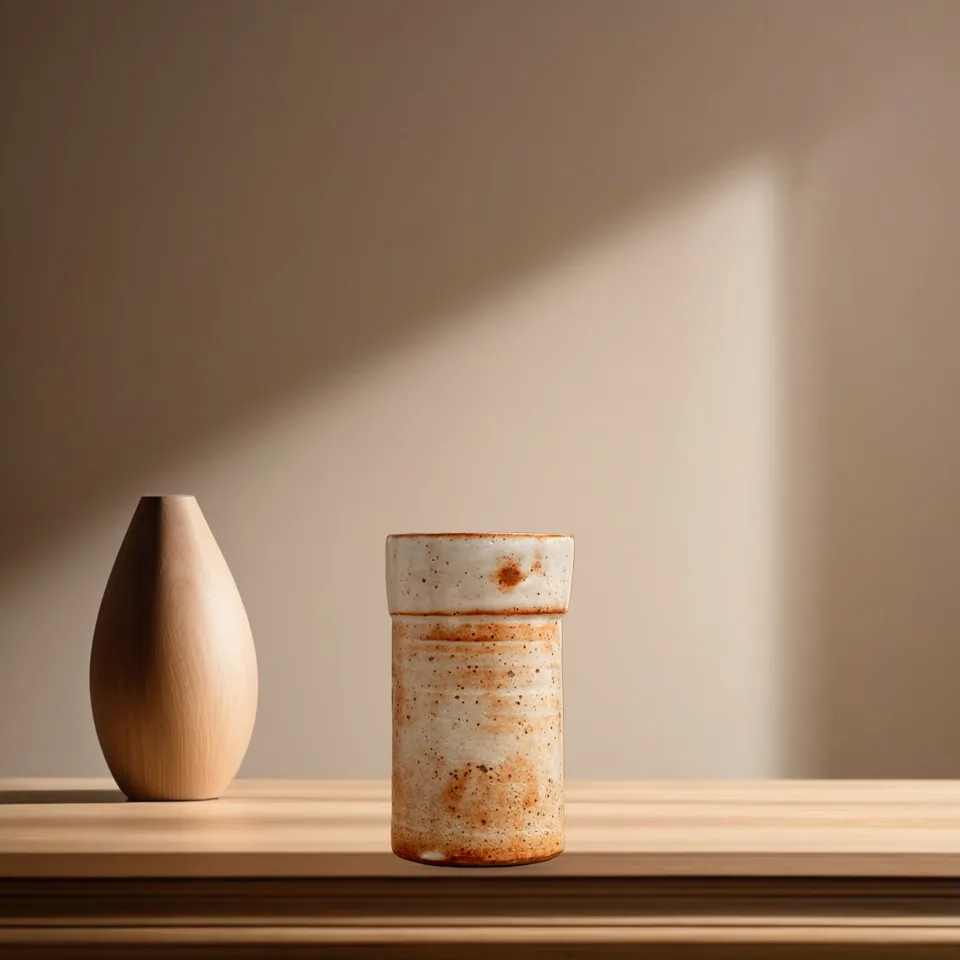
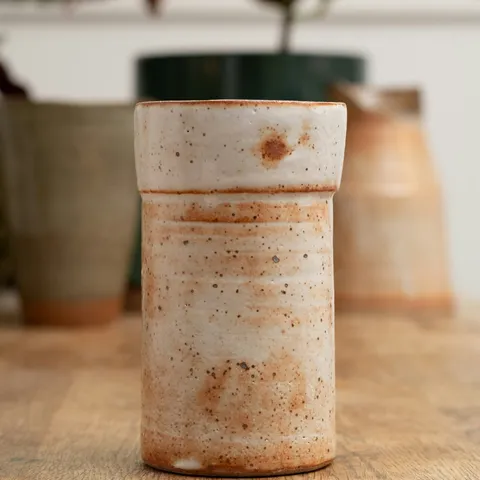
Describe a place and get three backdrops to choose from, with your product standing on the surface.
The product is relit to suit its scene, so it doesn’t look pasted in. Its detail stays as photographed.
Remove distractions around the item. Keep labels, wear and flaws visible so buyers can judge its condition.
Enhance a small or soft photo to twice the size for large marketplace images.
AI edits use credits: one try without an account, then 10 a month on the free plan. Free on-device alternatives are available, with different results. A set of three scenes uses 2 credits; matching its lighting uses 1 more.
Try it on your photo ↗︎03 / THE BIGGER PICTURE
The best shops have a point of view.
Keep yours in every frame.
01↗︎LEATHER GOODS
 02↗︎
02↗︎OBJECTS & HOME
 03↗︎
03↗︎SECONDHAND FINDS
 04↗︎
04↗︎WARDROBE FINDS
ROOM TO FOCUS. SPACE TO SEE THE WHOLE SET.
04 / YOUR OWN LITTLE PHOTO STUDIO
Focus on one photo, or step back to see the collection. A calm workspace with the right controls close at hand.
Open the studio ↗︎A FEW THINGS, BEFORE YOU START
Yes. Your first 3 photos and one AI try work without an account. After that, a free account gives you 15 photos and 10 AI credits a month.
Sharp photos with the whole product visible, even light and a simple background. Always review the result, especially fine edges, glass and low-contrast objects.
Yes. Switch between a single photo and the collection, and choose whether an edit applies to one photo or all of them.
No. Presets are helpful starting points. Review each exported photo against the requirements for your particular listing.
FOR THE THINGS WORTH A SECOND LOOK